
Become interactive with colada.games!
Exhibitions thrive on encounters – but how do we get visitors to really look, join in and discover all the diversity? It’s simple: with a competition that arouses curiosity, is fun and invites people to take part!
Our playful approach: a clever competition that guides guests through the trade fair in a fun way, with not only great prizes but also real trade fair highlights waiting for them.
Play along. Think along. Experience the fair.
Why take part?
Because it’s fun – and worthwhile! Our competition brings fresh impetus to your trade fair visit and pursues three clever goals at the same time:
- Activates the guests – and attracts their curiosity to the stands.
- Supports the exhibitors – in presenting their highlights.
- Provides measurable insights – for all those who want to get more out of the trade fair.
How it works: Preparation & technology
- Each exhibitor will receive their own QR code for their stand.
- Each exhibitor currently creates one question with three possible answers – but in future it will also be possible to create several questions or other formats.
And this is how it works
- Log in & discover: Guests log in to the browser-based event app with their personal access.
- Start the competition: The new “Competition” section appears in the menu with a clear dashboard: scan (QR scan), score and exhibitor
- Scan QR: At the respective stands, guests scan the QR code with their cell phone.
- Answer question: The app displays a question – guest clicks on the appropriate answer.
- Result & points: Right? Collect points! No hit? Ask for an explanation at the stand and try your luck at the next one.
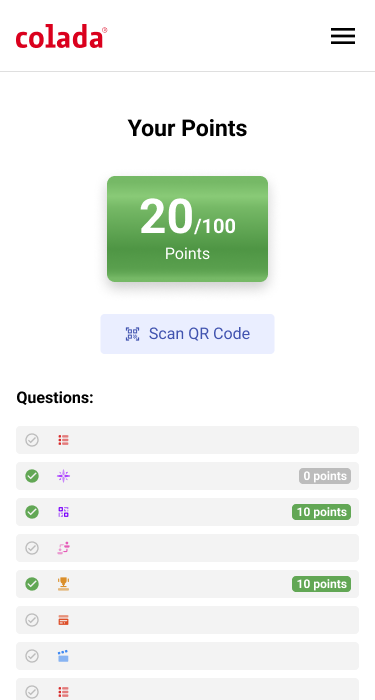
- Back to the game: The dashboard shows the current score and which stands are still missing.
- Secure a bonus: Whoever scans all QR codes will receive an extra bonus at the end!
Goal: Visit as many exhibitors as possible, collect points and win!
The functions described:
The competition is very simple and intuitive for participants. Onboarding and start in a matter of seconds.
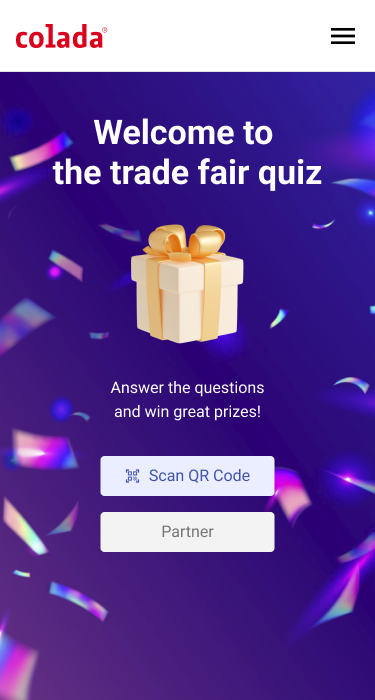
Home: Welcome to the colada trade fair quiz
Welcome page: Short explanation so that guests can get started right away. A further description can be placed in the menu at any time.
QR code for exhibitors (partners)
Each exhibitor will receive their own QR code with their own logo and in the design of the event. This should be clearly visible to guests at the stand.
Scanning
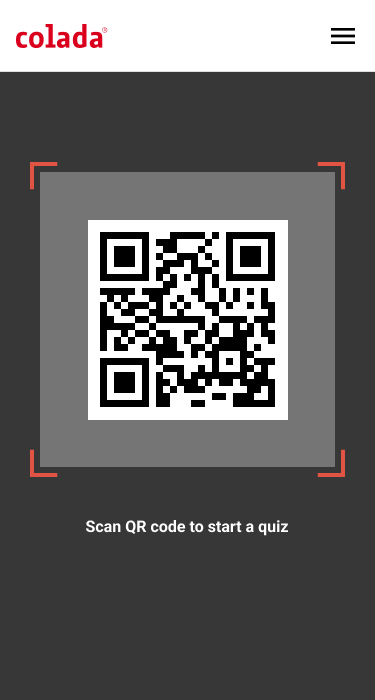
Scanning works like any app on a smartphone: a frame helps to “capture” the QR code. As soon as it is captured, a help message appears and the QR is automatically accepted. Manual confirmation may still be required. This can vary from device to device and also depends on the respective settings.
Questions
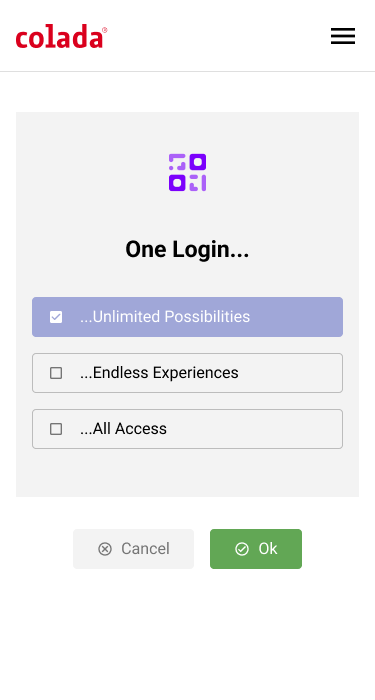
Immediately after the scan, the question appears with the possible answers that have been agreed with the exhibitors in advance. The question and the answers should be short and concise.
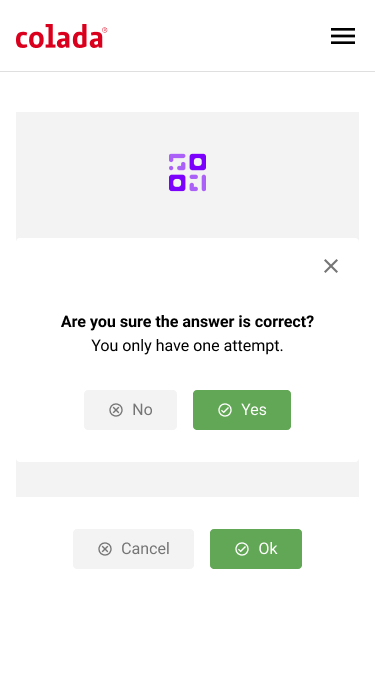
Answer: Only possible once!
After submitting in the previous step, a new prompt appears: YES or NO. After confirming with YES, it is no longer possible to correct the answer to this question. This makes the competition fairer, as it is not possible to “try out” the answers.
Display of results
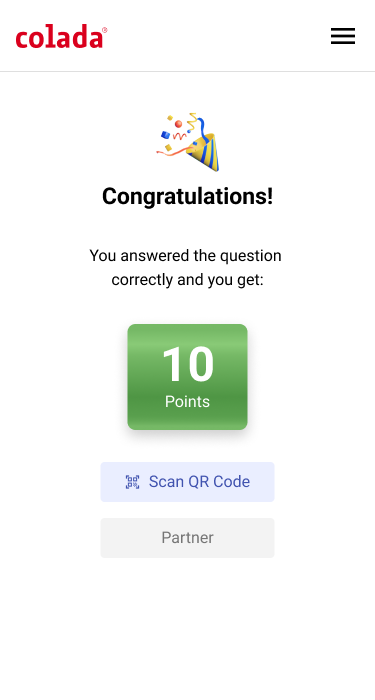
Depending on whether the question was answered correctly or incorrectly, a message is displayed immediately. Congratulations, you have won with the corresponding number of points, or… Too bad, you won’t receive any more points.
Exhibitor list – who has not yet been visited/scanned?
If the guest clicks on the list of exhibitors in the dashboard, they can see at a glance which exhibitors have not yet been visited and which exhibitors have earned points. The aim is to have visited and scanned all exhibitors. There can also be a reward for this.
Rescanning an exhibitor
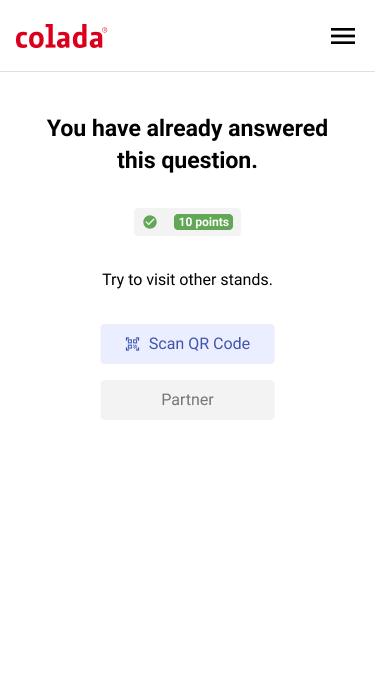
Anyone who incorrectly scans an exhibitor more than once will be notified of this. It is therefore not possible to turn an incorrect answer back into a correct one.
Ranking list of participants
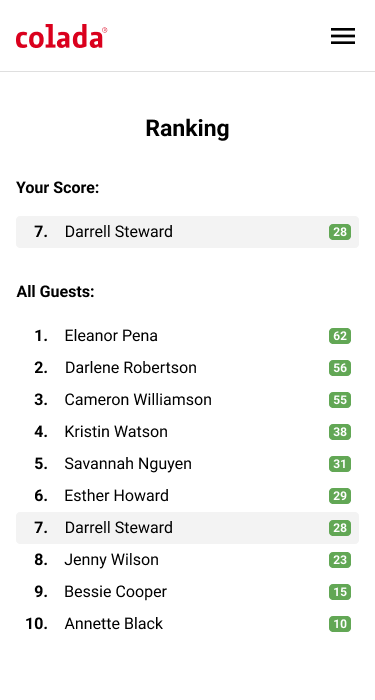
The ranking list is of course the most important thing! Names can be written out in full or anonymized – your own name always appears at the top. You could also show who has already answered how many % of the questions. Other creative ideas can be incorporated from here.
Important note:
The game can only be played once per guest. This information should be displayed when the game is called up again. Of course, this can be reset for each participant in the back office
Simple setup: the back office
Like every colada application, colada.games is easy to set up and publish. The following functions are available in the back office:
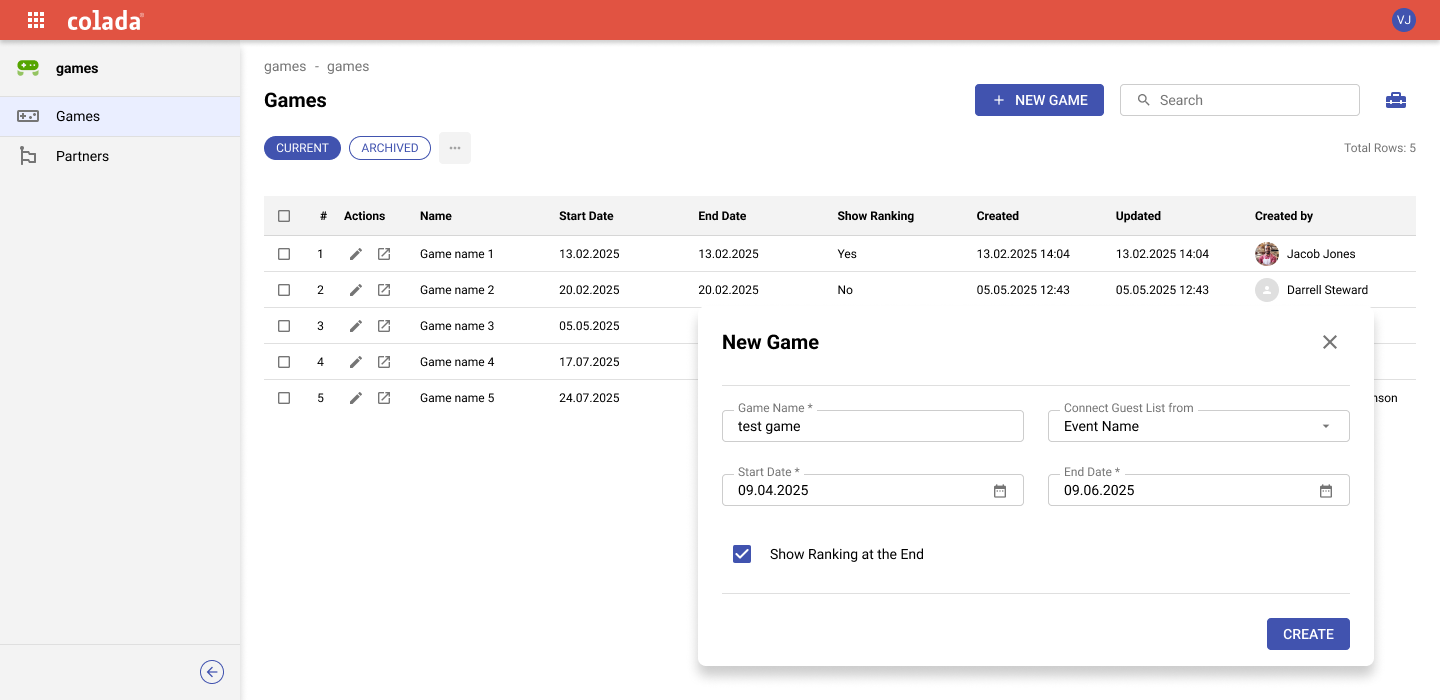
Basic Settings
- Event/project (preset)
- Game type: Type of game to be offered
- Availability (time) of the game (day: time)
- Functions switcher (TBD for which functions)
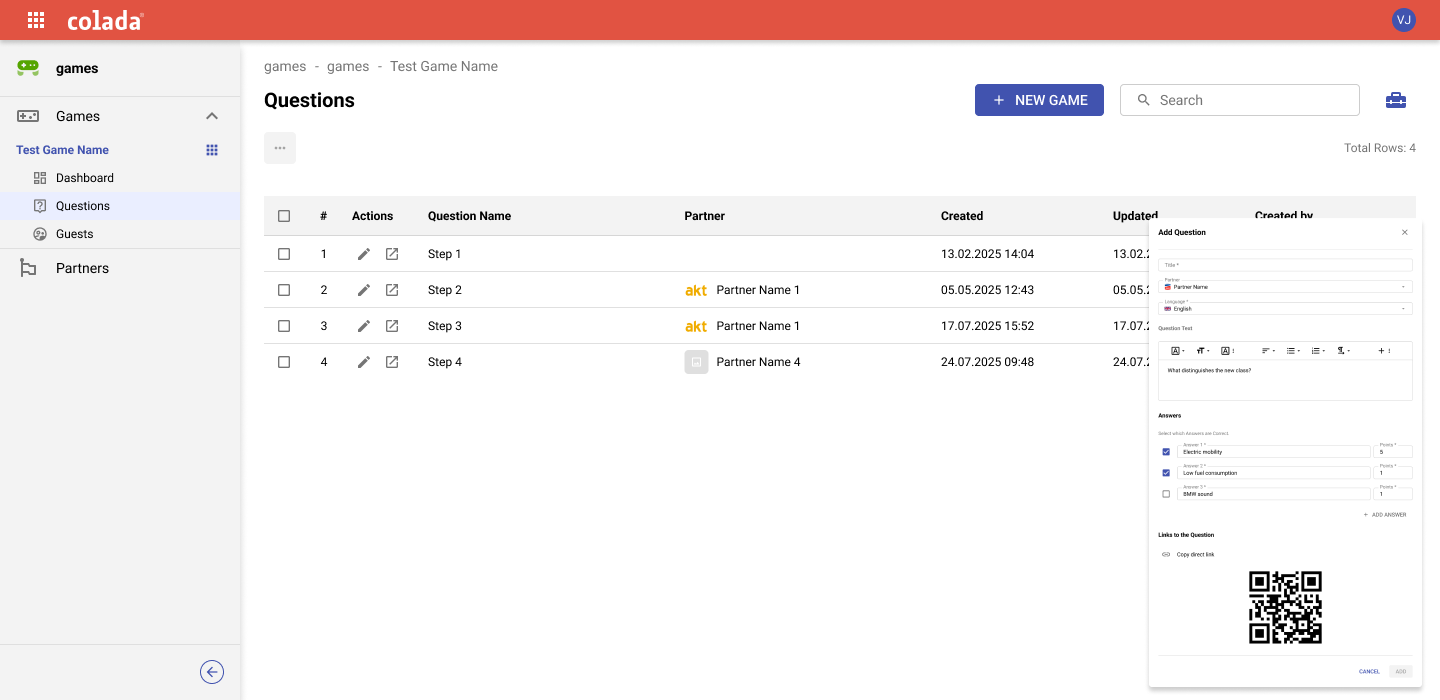
Questions & Answers
- List and order of questions in the game
- Answers to the individual questions including the number of points for the correct answer.
- Joker questions with special scores without a partner
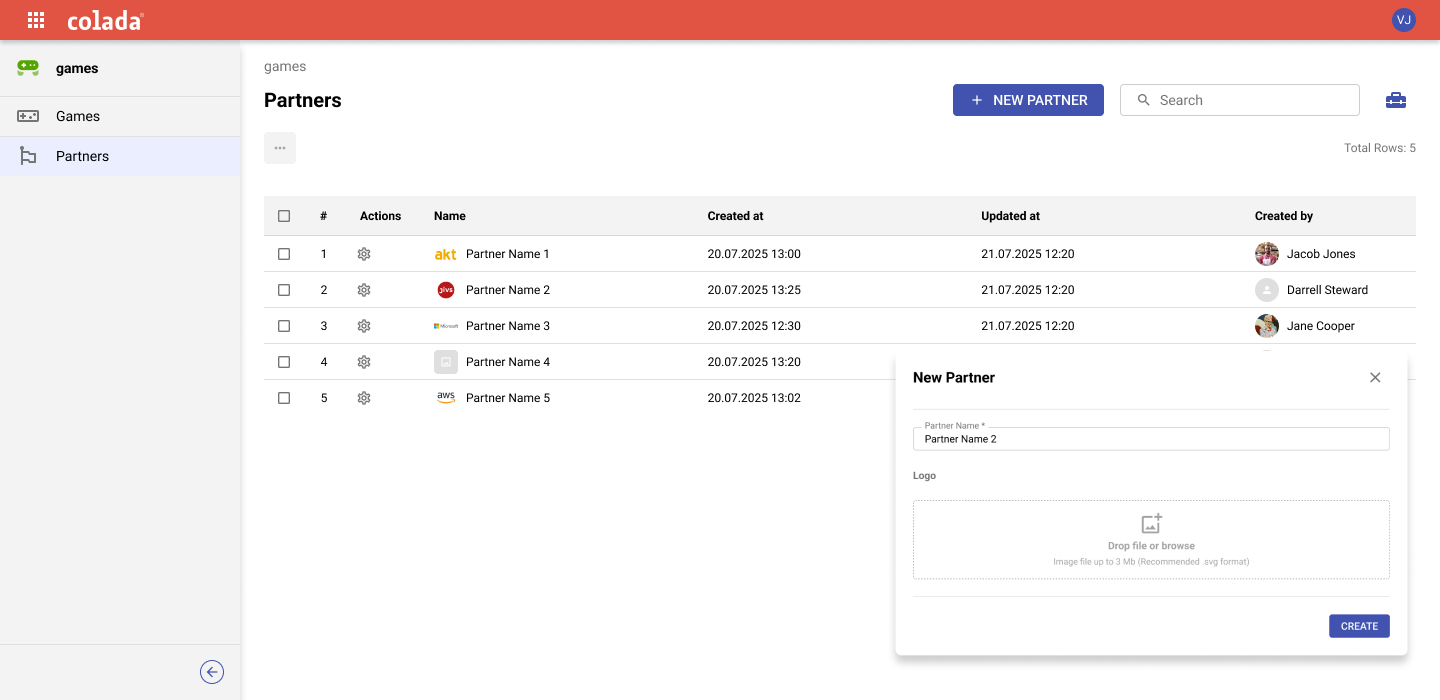
Partner
- List of partners participating in the game
- Details of the partners incl. logo, description, etc.
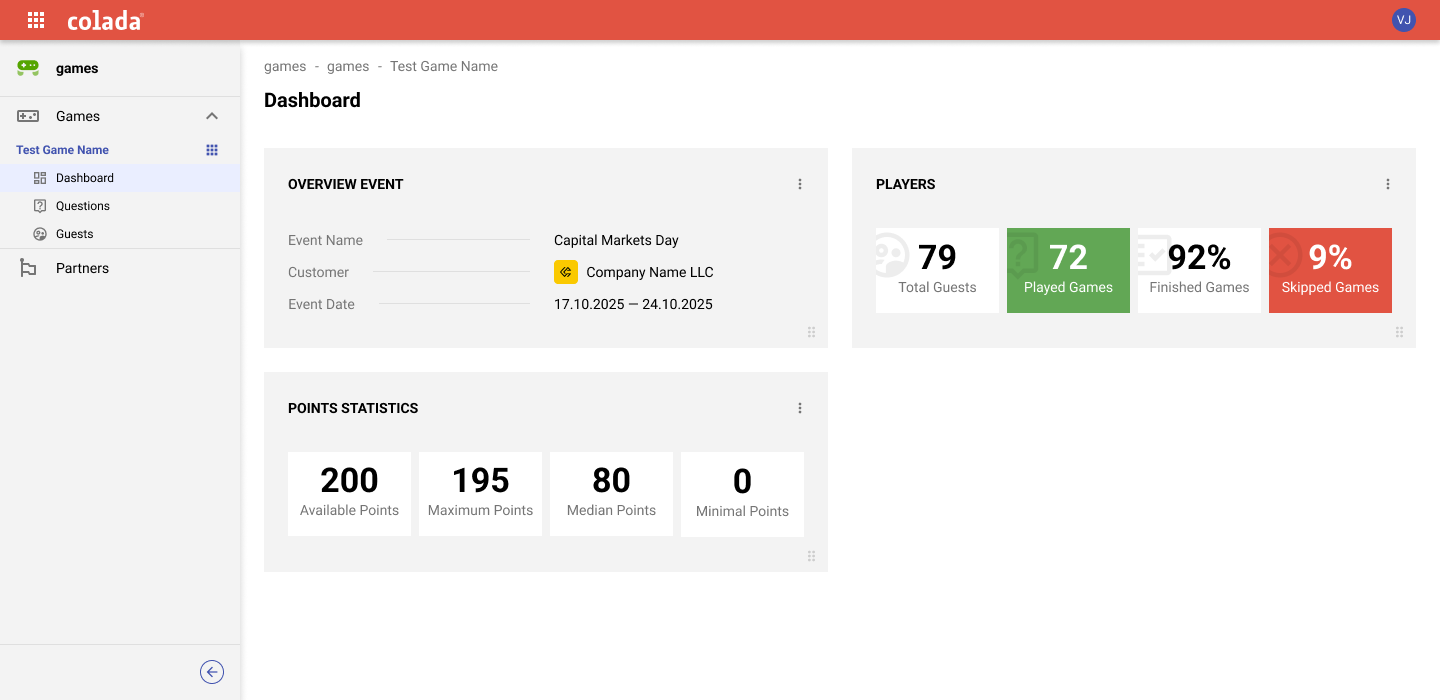
Participants & statistics
- Which guests took part in the game and what are their results
Conclusion: A new experience of trade fairs
colada.games makes your visit to the trade fair interactive, exciting and worthwhile. Participants are guided through the exhibition in a playful way and discover the exhibitors’ highlights – while they receive targeted attention and gain valuable insights. Discover in a playful way, collect points, have fun – this is how a visit to the trade fair becomes a real pleasure!